AI node editor for images, video and audio
feega is a node-based AI canvas: every prompt, image, video and sound is a node, and connections carry one node’s output into the next. You build a workflow once — prompt to image to video to voice-over — and run it again with new inputs, by hand, from the built-in chat, or from an external agent over MCP.
Open the node editor →
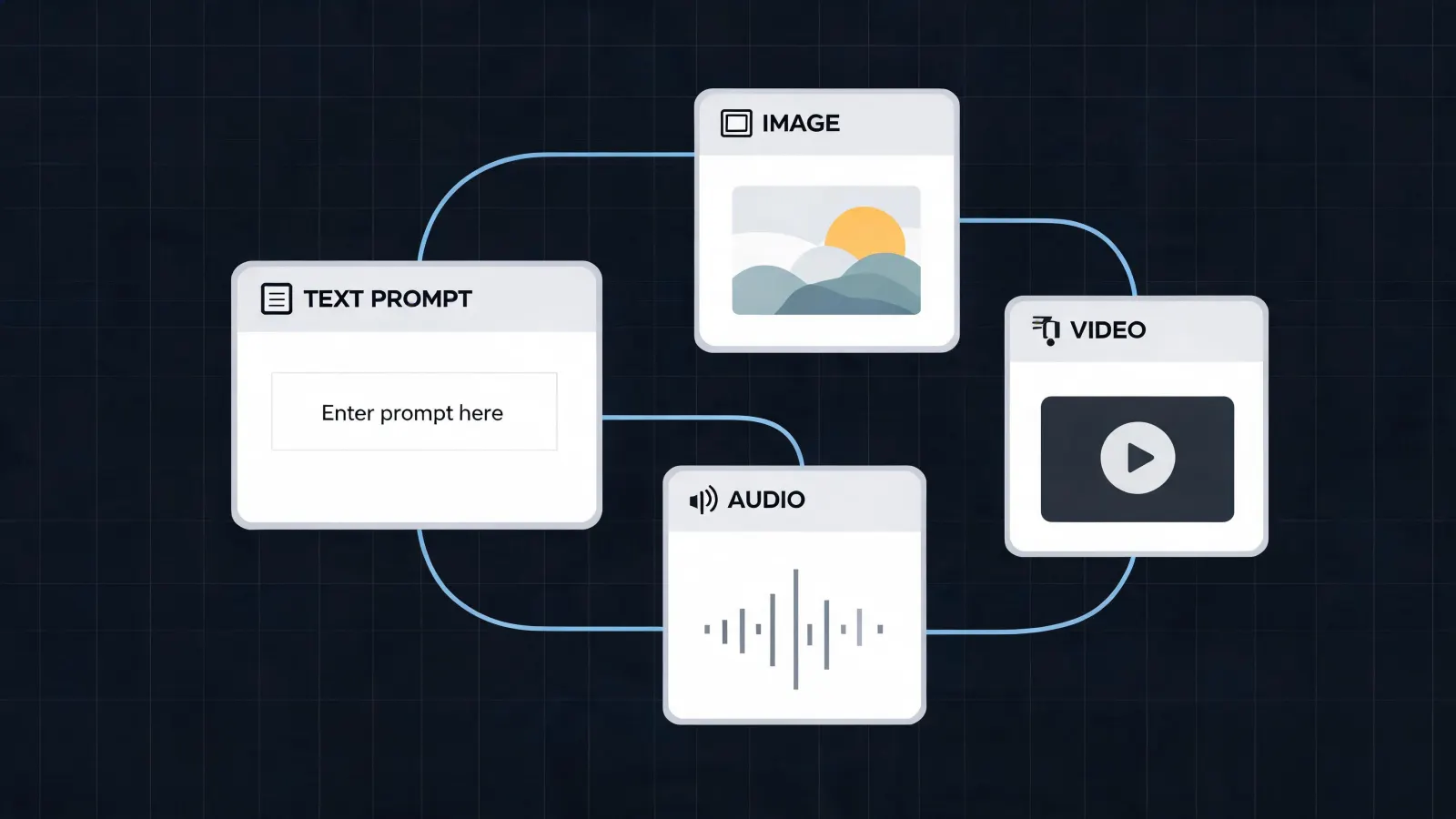
How it works on feega
1. Add nodes: a prompt, an image, a video, a voice.
2. Connect them: each output feeds the next input.
3. Generate one node or the whole chain, and reuse it.
Node types
Generation: text, image, video and audio (text to speech, voice changer, dubbing, music, sound effects, voice isolation).
Sources: documents, products from your store, social account feeds.
Flow: lists and select nodes to iterate over items, effects stacks on images, compositions, and a calendar to publish.
Typed connections
Ports say what they accept: a video node has separate inputs for the first and the last frame, an audio node shows the inputs its operation needs. A wrong connection is refused, not silently ignored.
People, chat and agents on the same canvas
Several people can work on one canvas in real time. The chat in the sidebar can add and run nodes, and any MCP client can do the same through the feega MCP server.
Examples made with feega
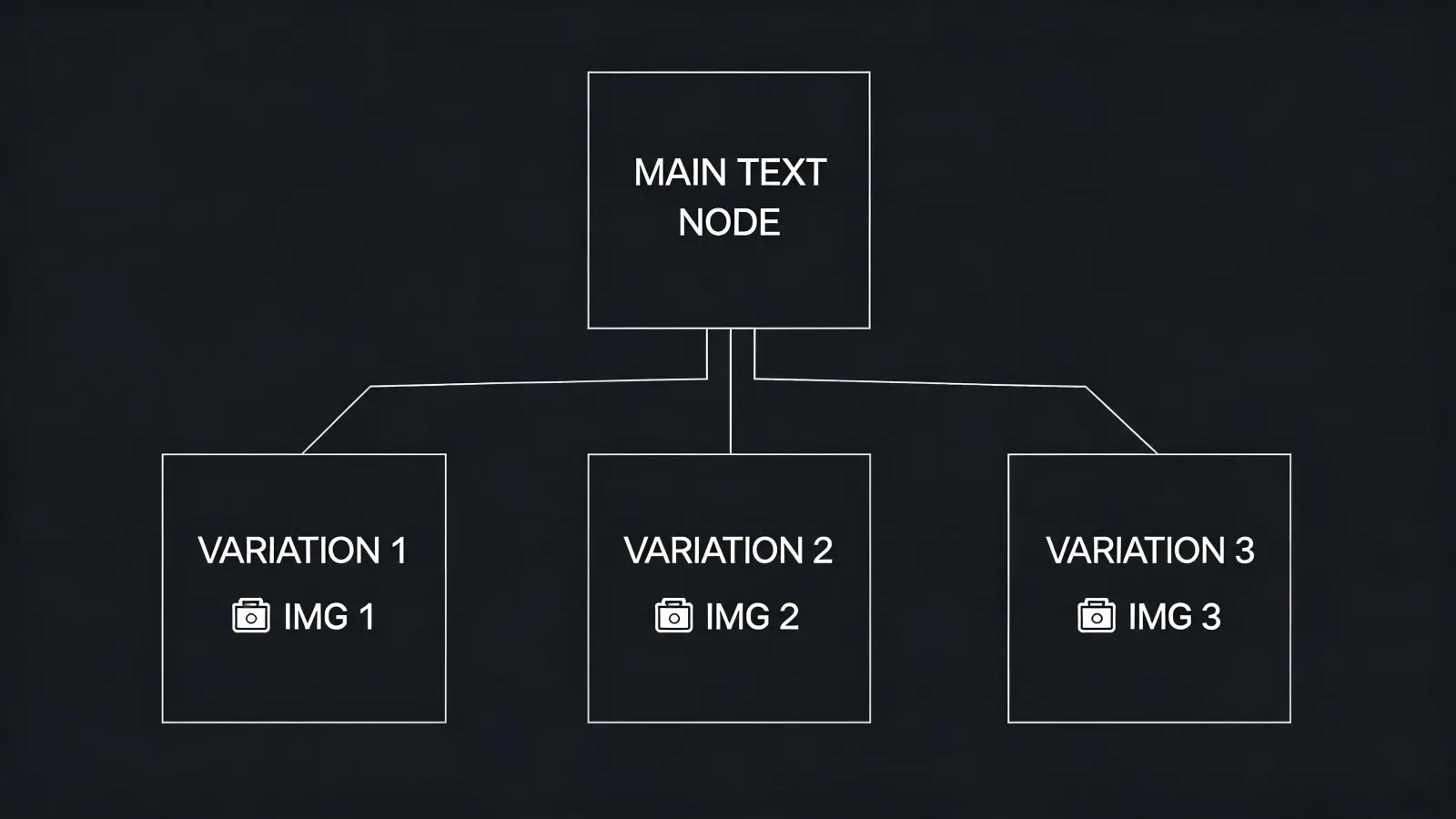
Node-based image generation workflow

Node-based video generation workflow with first and last frame
Open the node editor →
Questions
Is this like ComfyUI?
It is node-based too, but runs in the browser on hosted models: nothing to install, no GPU needed.
Which models can I use?
GPT Image, Nano Banana, Seedream and Qwen for images; Seedance, Kling and Grok Imagine for video; FLUX Video Upscale for upscaling.
Can an AI agent drive it?
Yes, through the MCP server at mcp.feega.app.
Can I collaborate?
Yes. Canvases update in real time for everyone on them.
Start free on feega →