feega
← plugins

mesh gradient

by Feega · v1.0.0

free

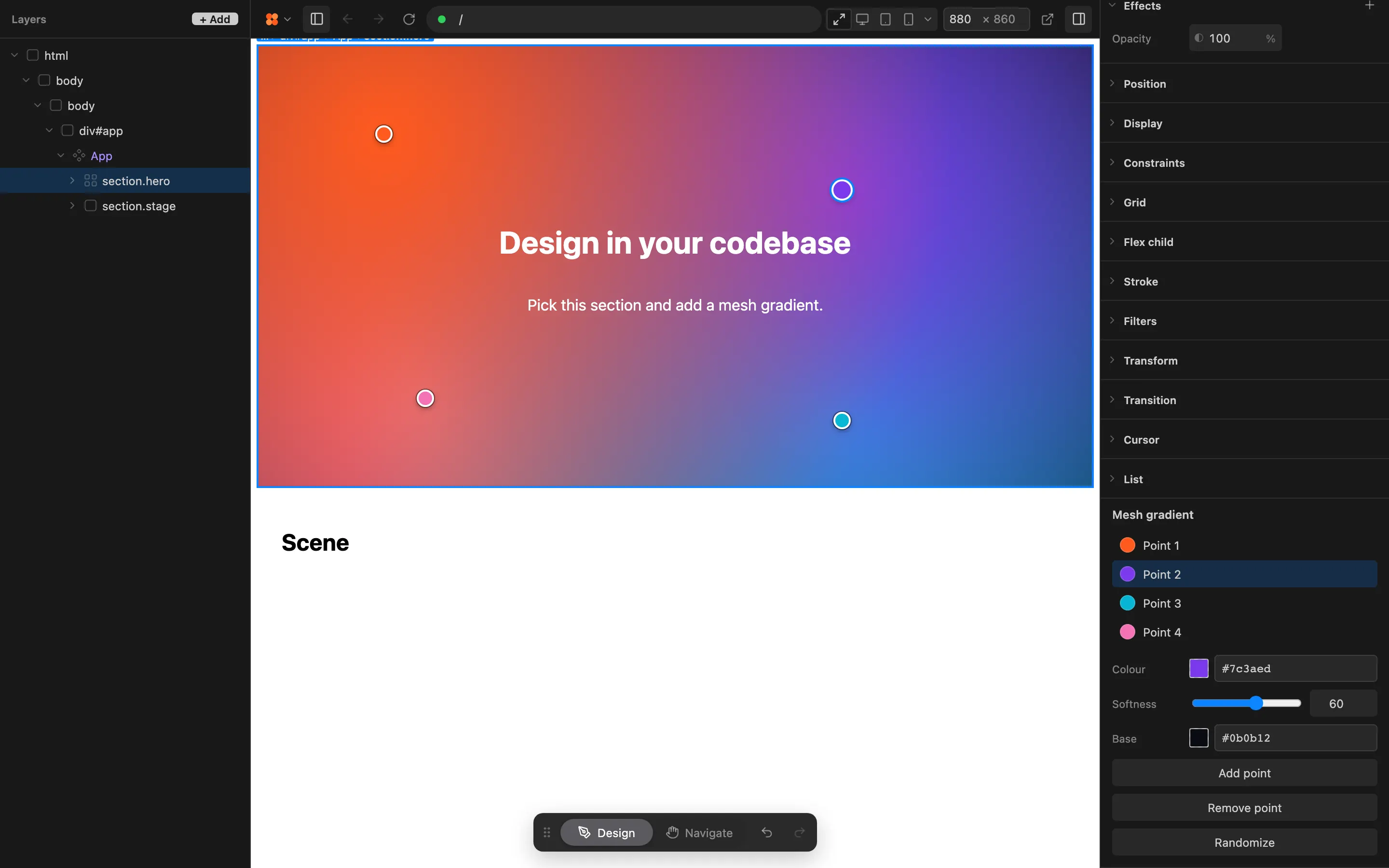
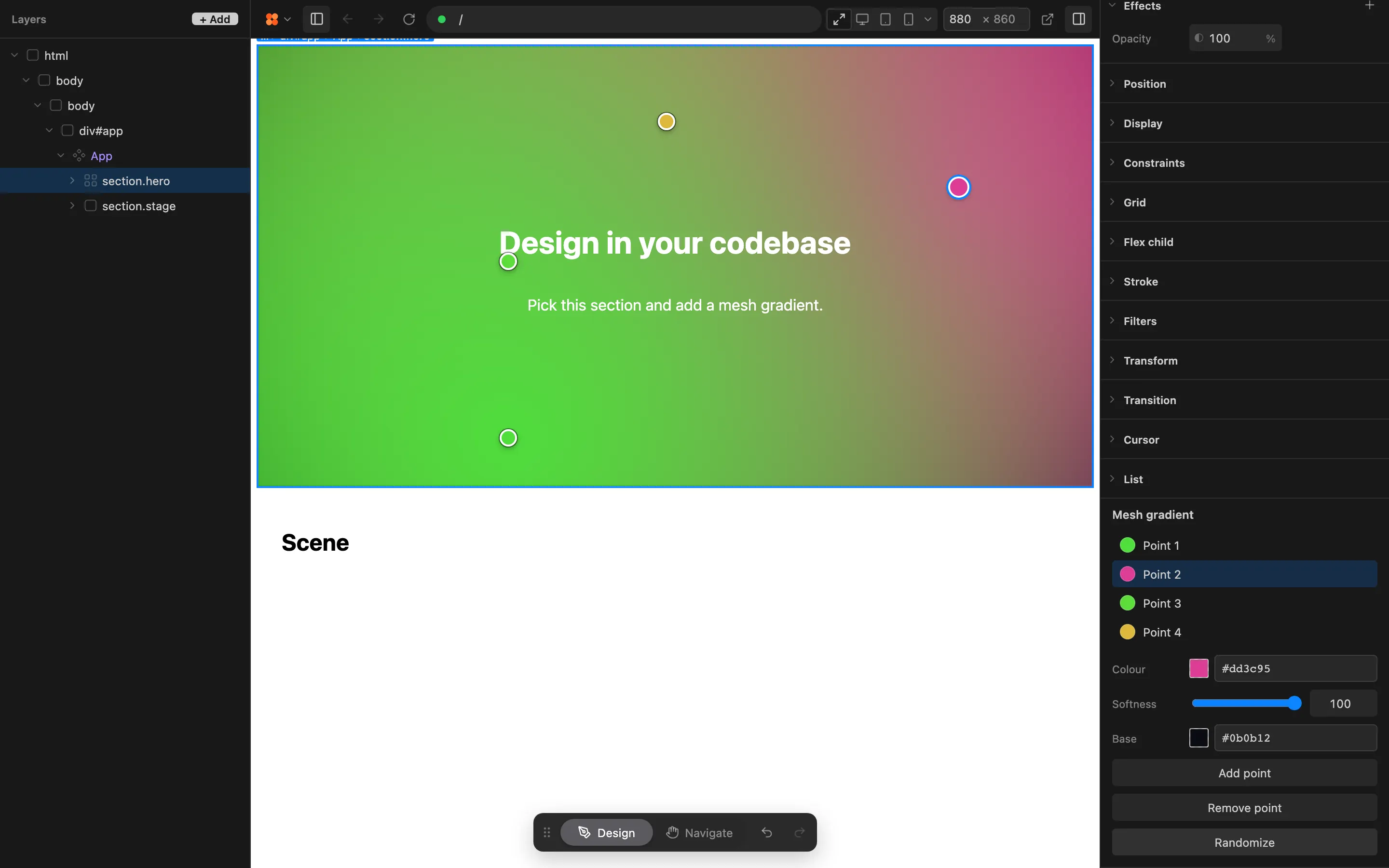
Select an element and add a mesh gradient. Four colour points appear over the preview: drag them to move them, pick one to change its colour, and set how far each colour spreads. The result is plain CSS, stacked radial gradients written to the same place a manual edit would go, and Undo reverts it in one step.

open in feega

what it can do

  • See which element you have selected
  • Change the styles of the selected element

screenshots
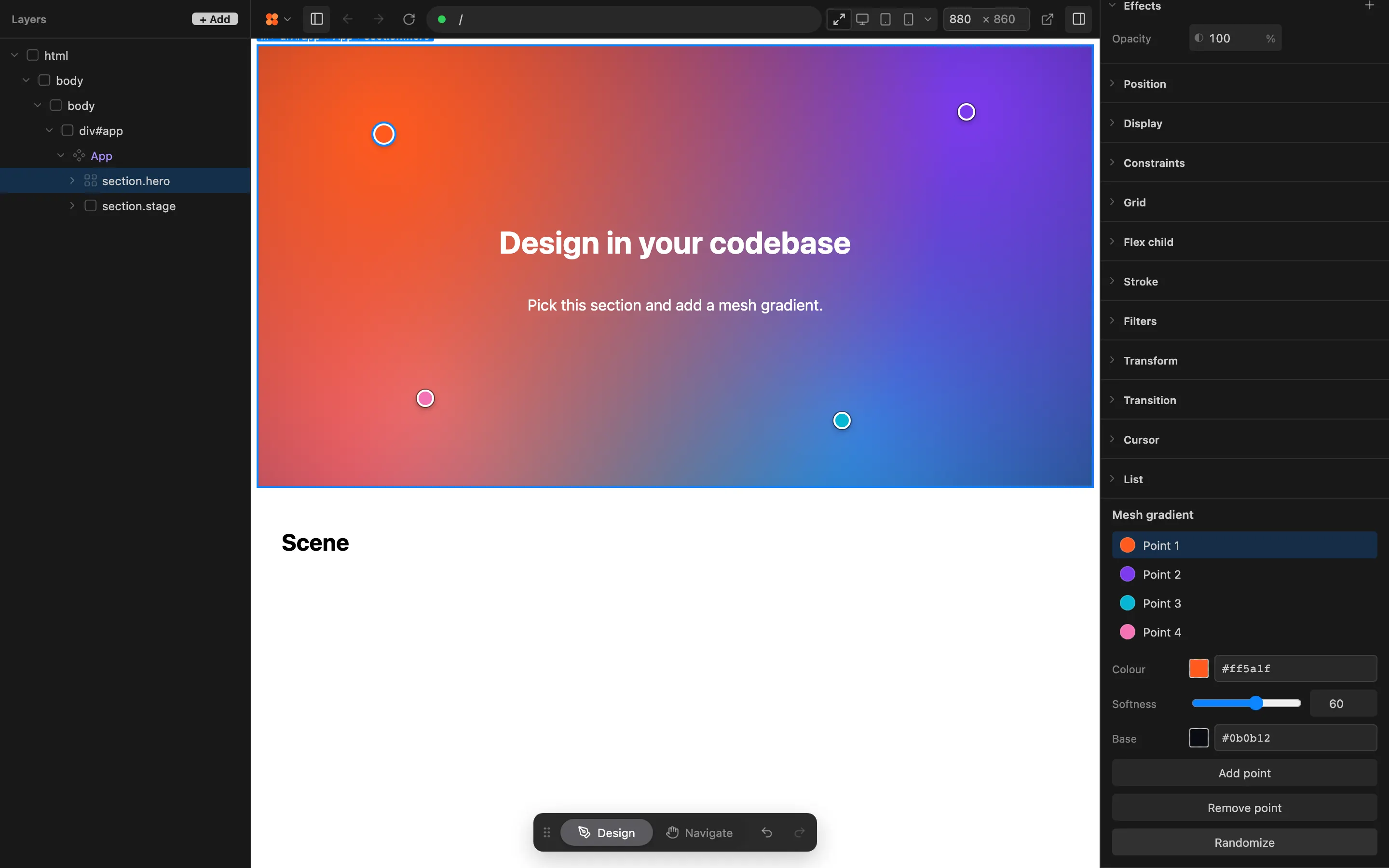
The Feega editor with a hero section selected: a mesh gradient with four colour points over the preview, and the Mesh gradient controls with Point 1 selected in the Properties barThe same hero after dragging a colour point: the orange and purple gradient has reshaped, and Point 2 shows its colour and softness in the Properties barThe mesh gradient after Randomize: a green, pink and yellow gradient behind the hero heading, with the Add point, Remove point and Randomize buttons in the Properties bar