free UI sections and components / app UI
free app UI templates
By Andrea Buttarelli, founder of Feega
10 product screens and shells, each in Svelte, React, Vue, Astro and HTML.
10 of 10 templates
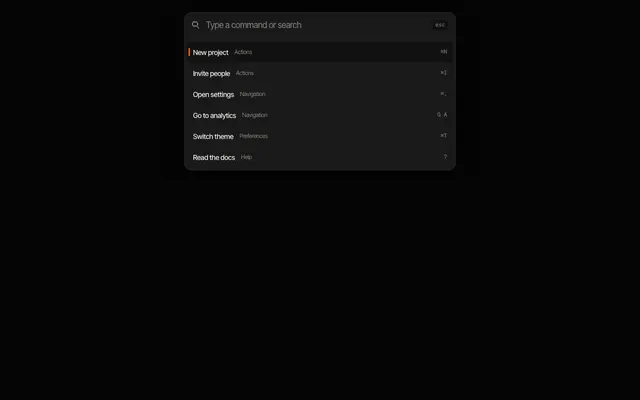
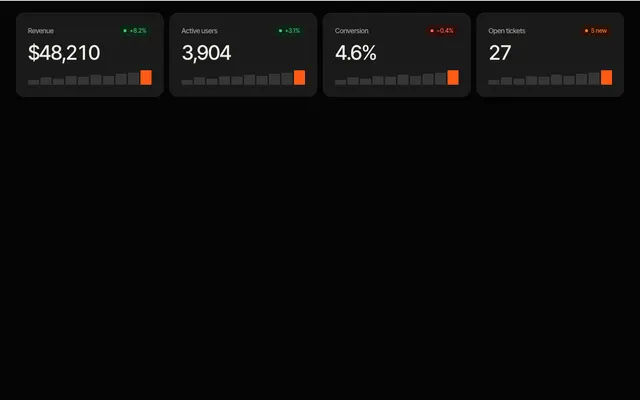
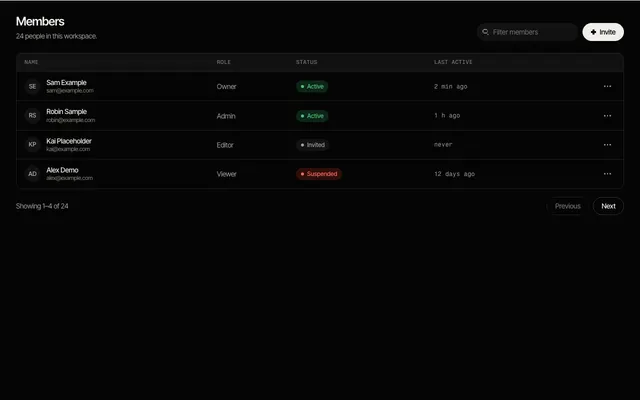
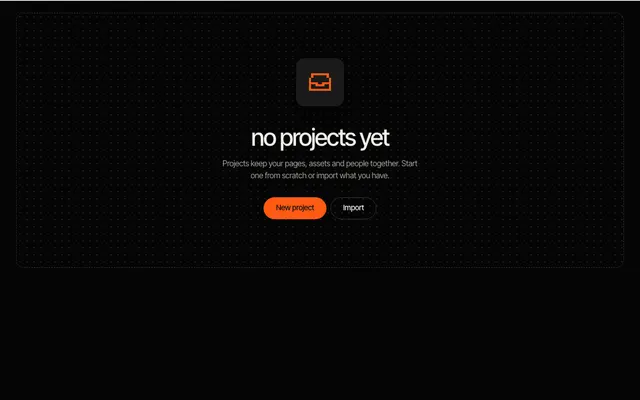
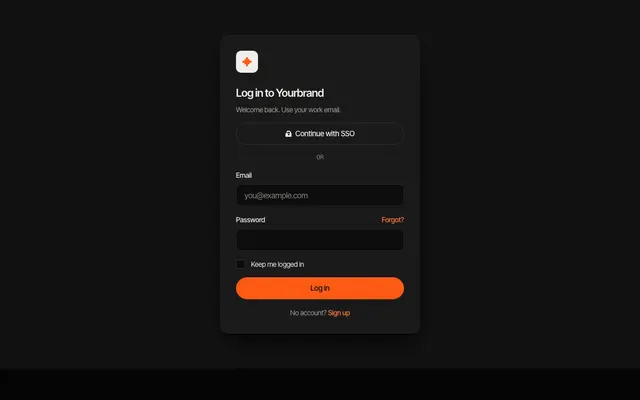
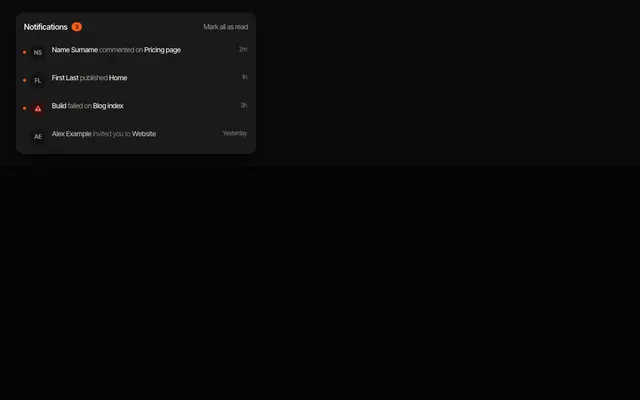
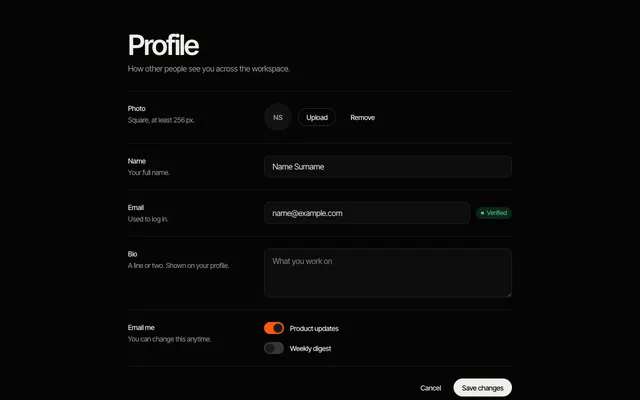
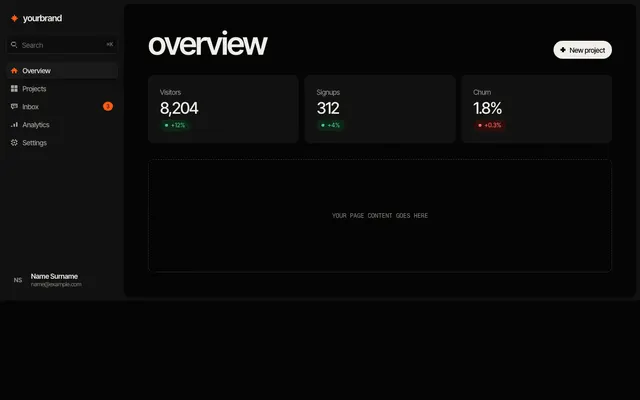
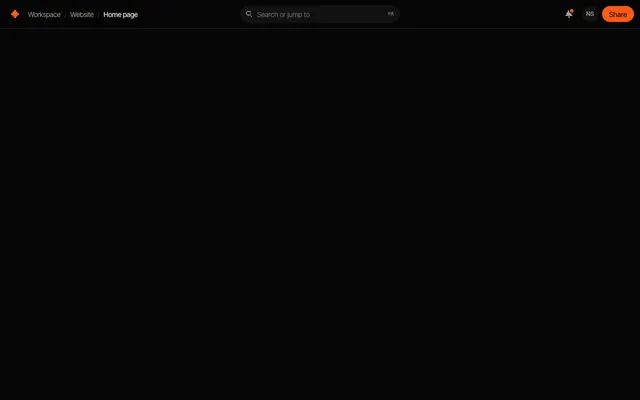
App UI is what sits behind the login: the shell, the navigation, the tables and the forms people use all day. These templates cover a sidebar layout and top bars, a command palette, a data table, stats cards, a notification list, an empty state, and the login and settings forms.
They are denser than marketing sections on purpose: smaller type, tighter spacing and clear states for empty, unread and error cases. The sidebar layout stacks on top below 720 pixels, and the data table scrolls horizontally inside its card on narrow screens instead of breaking the page.
Start with the shell (sidebar layout or a top bar), then fill the content area with stats cards, a data table or a notification list. Use the empty state wherever a list can have nothing in it yet, since it is the first thing a new user sees.
Like every item in the library, they read --feega-* tokens, so an app and its marketing site can share one palette and one type scale, and both follow light and dark. The data shown is placeholder content to replace with your own.
questions
Do these include data fetching or routing?
No. They are presentation only, with placeholder data, so they work with any router, store or backend you already use.
Can I build a whole dashboard from them?
You can assemble a shell and common screens. Charts and complex grids are not part of the library.
more templates
sections →components → Svelte →React →Vue →Astro → all templates →
Feega edits these components in your running app and writes the change to your code. Free, with diffs and undo.
get Feega, it is free →