free UI sections and components / Svelte
free SvelteKit sections and UI templates
By Andrea Buttarelli, founder of Feega
Svelte 5 native, token-based and dependency-free: page sections and UI parts you insert or copy into a SvelteKit project.
61 of 61 templates

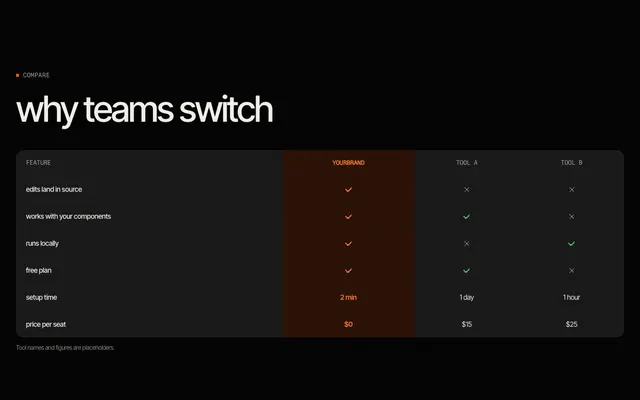
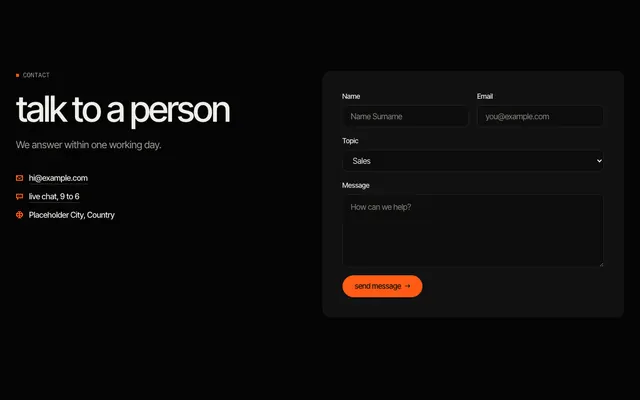
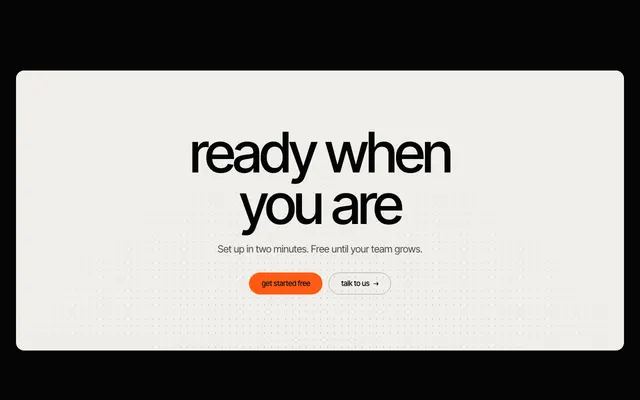
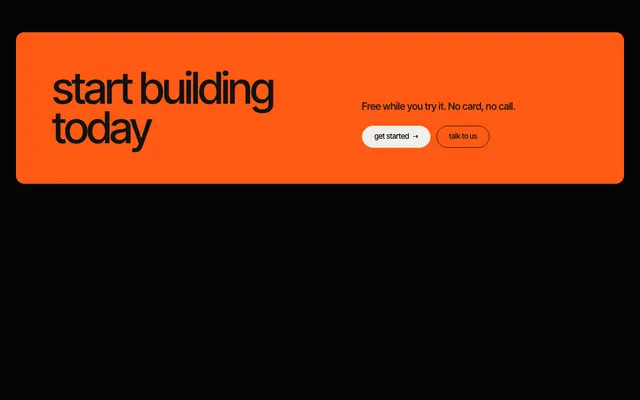
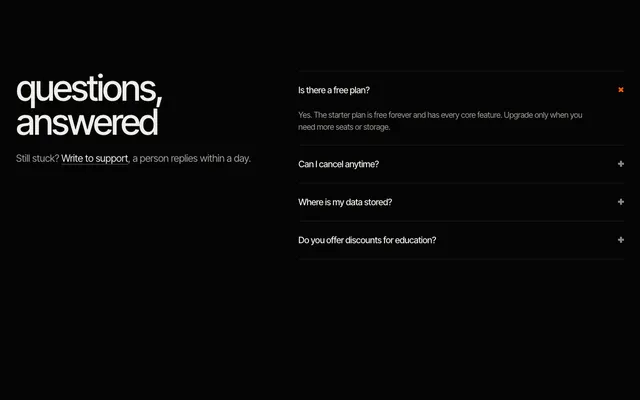
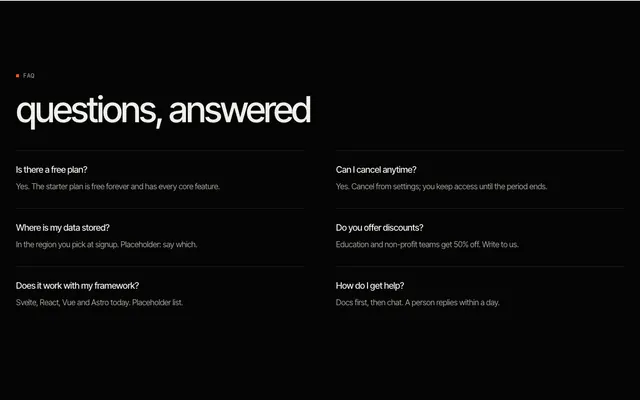
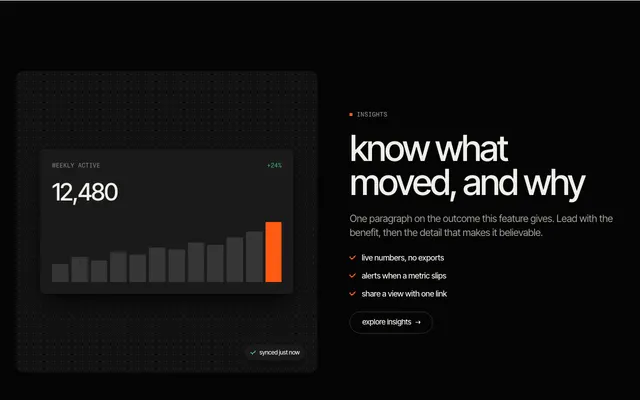
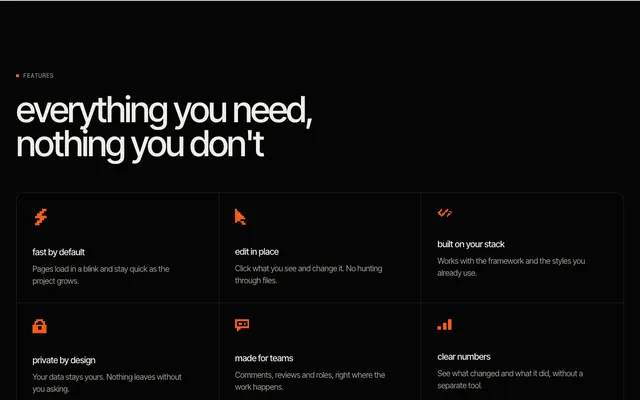
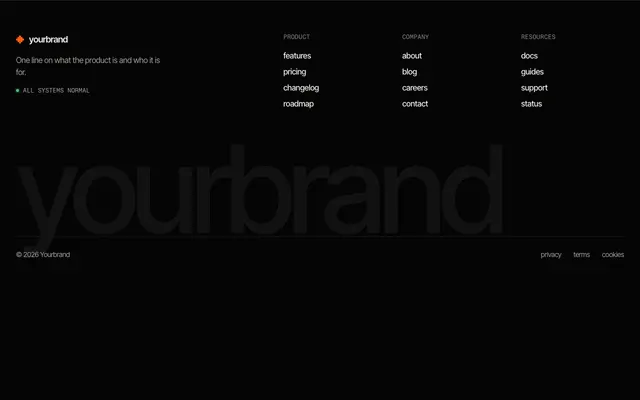
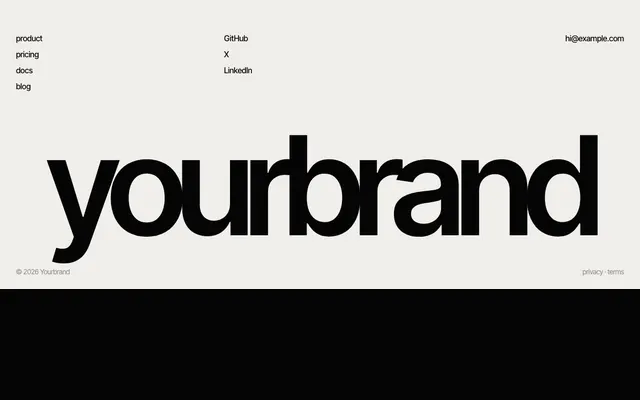
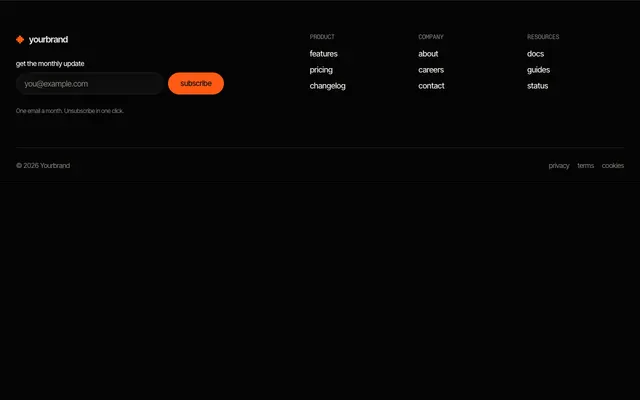
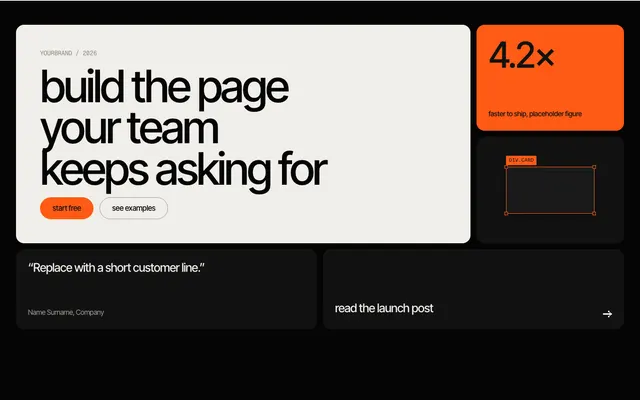
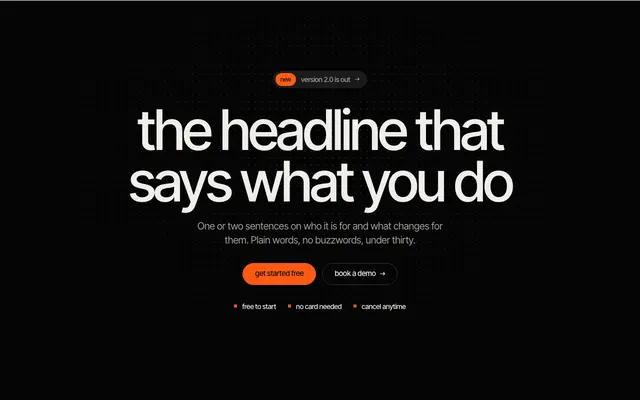
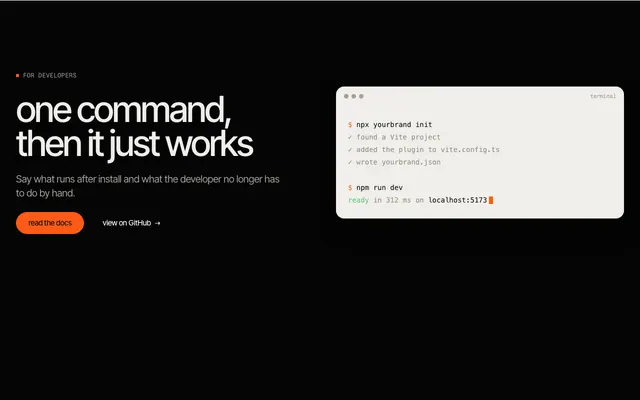
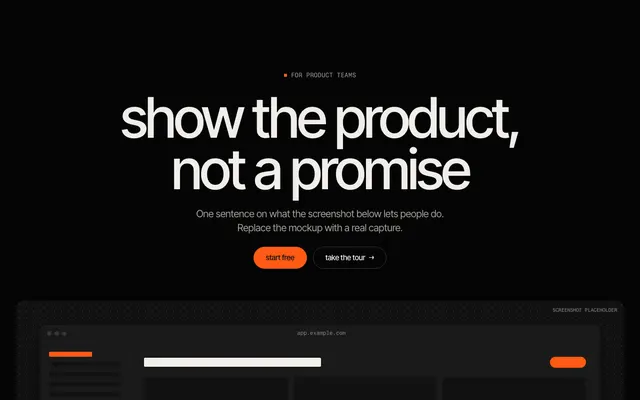
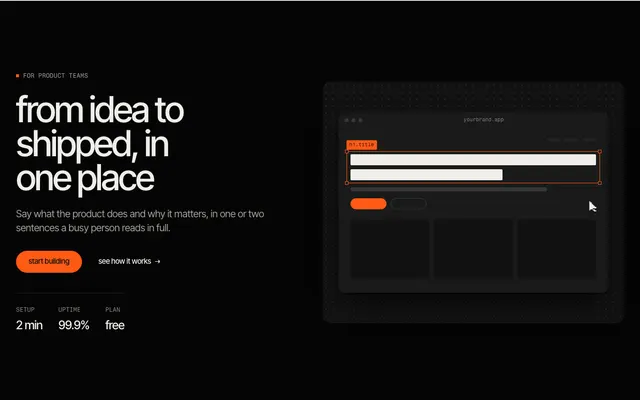

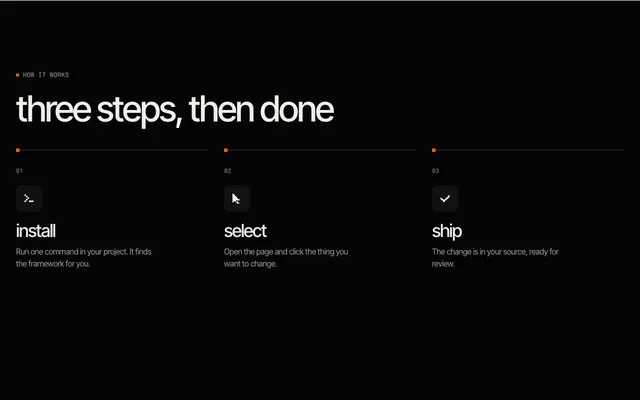
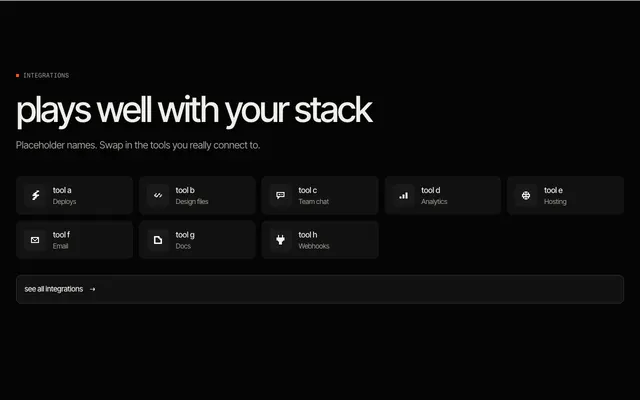
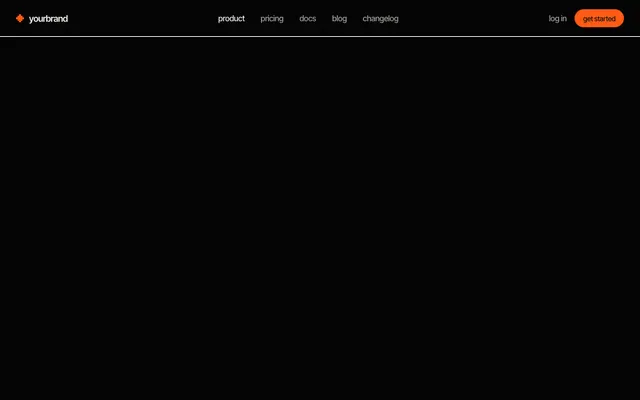
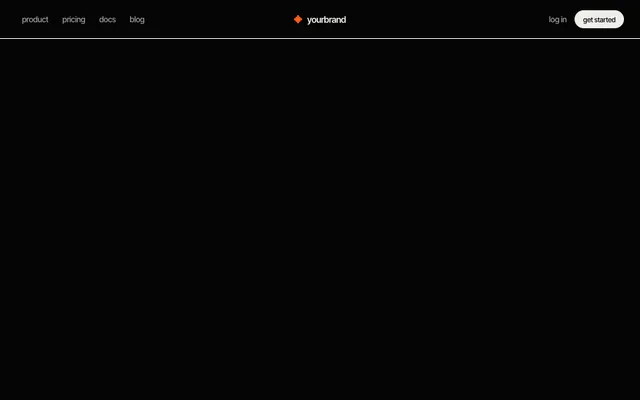
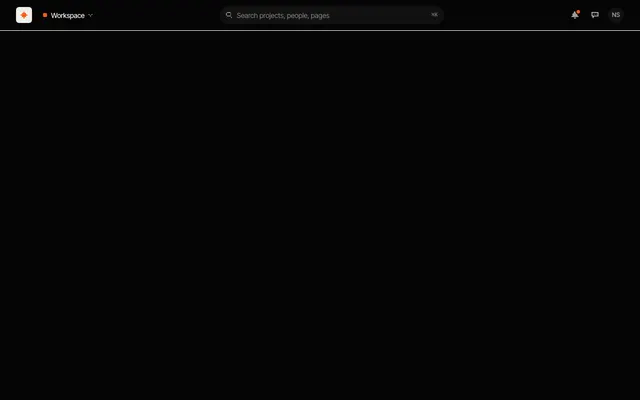
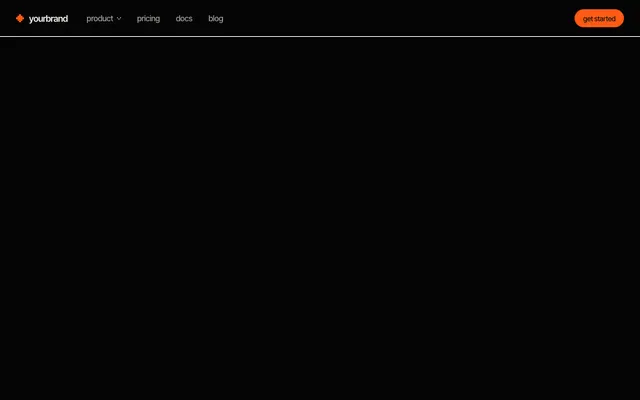 navbar, mega menu A product link that opens a wide panel of grouped links with icons; no JavaScript.



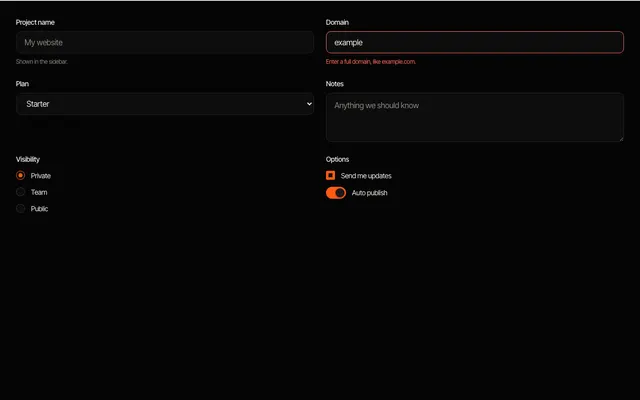

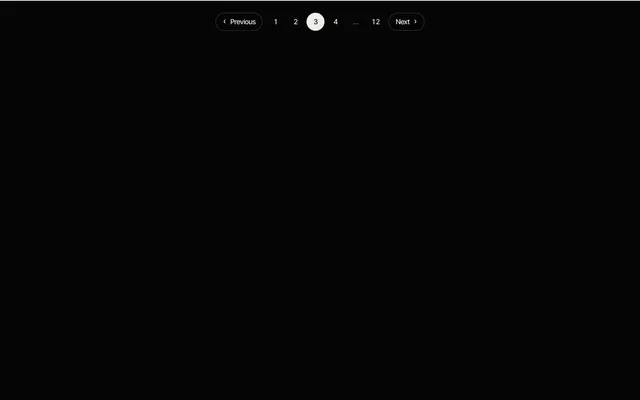
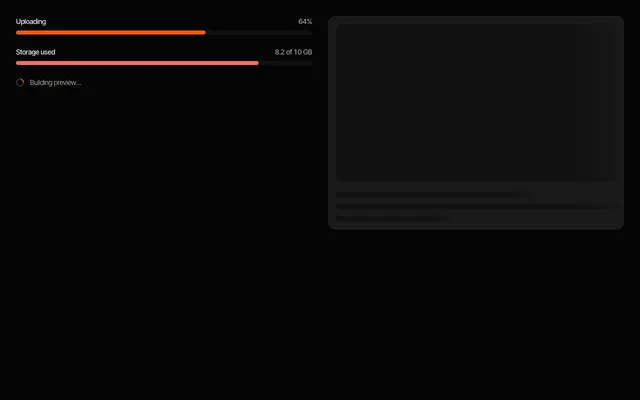


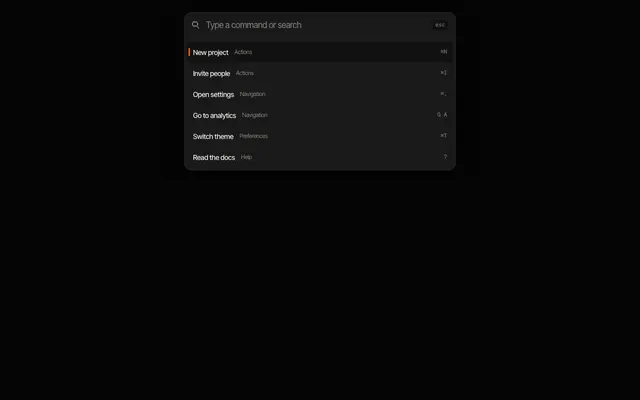
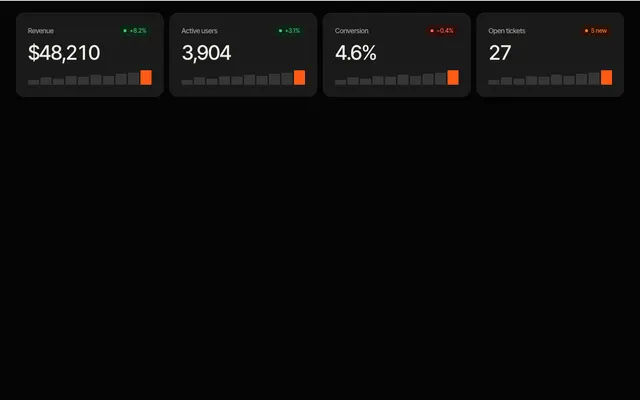
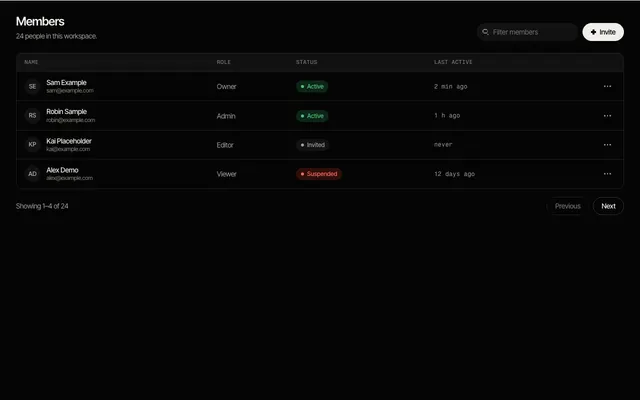
sections →·components →·app UI →
why this exists for Svelte
React has had large catalogues of ready-made page sections for years. For Svelte the choices are fewer, and most of what exists is aimed at a different job. This is our reading of the public documentation in November 2026, so check each project for what it covers today.
shadcn-svelte is a community port of shadcn/ui: components you copy into your project, built on Bits UI and Tailwind CSS, installed through a command-line tool. Skeleton is a design system for Tailwind with themes, styled components and interactive Svelte components built on Zag.js. Flowbite Svelte is a component library for Tailwind CSS. All three are good at components and primitives such as buttons, dialogs, menus and forms, and all three assume Tailwind.
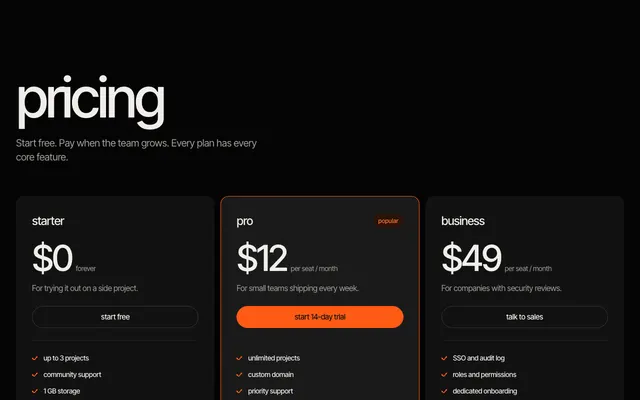
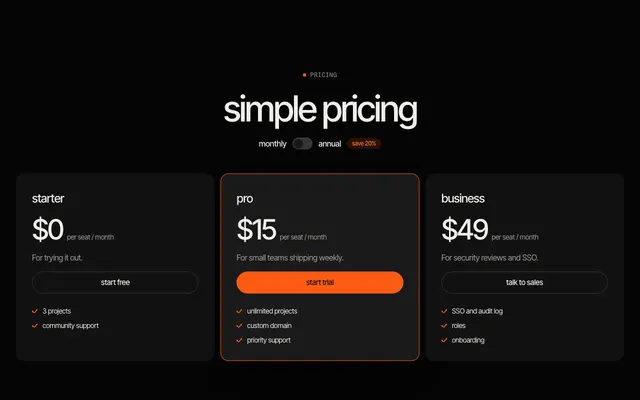
Complete page sections, such as a hero, a pricing table with a billing toggle or a footer with a newsletter, are a different job from primitives, and check each project for what it offers today. The gap we kept meeting was free sections written for Svelte 5 first that need neither Tailwind nor a UI library. This library fills that gap, and it works in a project that already has one of the above and in one that has none.
Svelte 5, the way you would write it
Each item is one .svelte file with TypeScript in a script block, plain markup and a scoped style block. Items that hold state use runes: the tab list and the toast use $state, and the command palette adds $derived for its filtered list. The modal uses bind:this with the native dialog element. Items that need no state have no script at all.
No item touches window or document, and none registers a global listener, so they render the same on the server and in the browser and work with SvelteKit prerendering. There are no stores, no context and no props to learn: insert the item with Feega, or copy the file, import it, and replace the placeholder text.
Place files in src/lib/components and import them in a route, for example import HeroSplit from "$lib/components/HeroSplit.svelte". Styles are scoped by Svelte and written with plain class selectors, so overriding them from your own CSS is straightforward.
tokens and fonts
Every item reads its colours, radii, spacing and fonts from --feega-* custom properties. Add the shared tokens file once, in src/app.css or a root +layout.svelte import, and override any token on :root (or on any ancestor) to retheme everything. Dark follows prefers-color-scheme, and data-theme="light" or data-theme="dark" on an element forces a theme for that subtree.
Items use two Google Fonts families, Inter Tight and Fragment Mono. Add one stylesheet link in the head of src/app.html, with the weights listed on each item page. Without it, the font tokens fall back to a system stack, so nothing breaks.
editing them with Feega
Once an item is in your project it is ordinary .svelte, so the Feega extension edits it like any other component: click it in your running app, change spacing, colour or radius in the panel, and the change is written into the component's style block, or into the class if the project uses Tailwind. Nothing is generated at runtime and no AI is involved. You review every edit as a diff.
fit with SvelteKit
Items link with plain anchors and placeholder hrefs. Swap them for your own routes, or wrap them to use goto for client-side navigation. Forms are presentation: add an action in +page.server.ts and use:enhance when you connect one.
tokens.css is the shared file every item reads.
questions
Does it work with Svelte 4?
The items are written for Svelte 5. The interactive ones use runes, so they will not run on Svelte 4.
Do I need Tailwind?
No. Items ship their own scoped CSS and read --feega-* tokens. They work in a Tailwind project too.
Is it free for commercial use?
Yes. The library is Apache-2.0: copy the code into your own projects. The tier on each item page says whether it is free.
more templates
sections →components →app UI → React →Vue →Astro → all templates →
Feega edits these components in your running app and writes the change to your code. Free, with diffs and undo.
get Feega, it is free →