The open-source, local Lovable alternative for Cursor users
By Andrea Buttarelli, founder of Feega · checked 2026-11-22 · how we checked
Keep Lovable if you have no code yet. If you already build in Cursor, you do not need to move the app to get a visual editor. Feega installs as an extension in Cursor and writes what you change to your own files.
see it in action → The short version of this comparison, for Cursor users.
Lovable, Cursor and Feega at a glance
| Lovable | Feega | |
|---|---|---|
| Starts from | A prompt, or a ZIP upload | Your existing repo |
| GitHub | Sync creates a new repository | Edits your folder in place |
| Your coding agent | Cursor works in your repo; the tool wants its own copy | Agent in the sidepane, with Feega in the same window |
| Commit author | lovable-dev[bot], co-attributed to the member who triggered it | You |
| Branches | One synced branch at a time | Whatever branch you are on |
| Price | Free has 5 build credits a day, Pro is $25 a month | Free, Apache-2.0 |
Lovable, Cursor and Feega side by side
| Lovable | Cursor in your repo | Feega | |
|---|---|---|---|
| Where the code lives | In a Lovable project, synced to a new repository (Lovable GitHub integration) | In your workspace on disk | In your workspace on disk |
| Pricing model | Free 5 daily build credits, Pro from $25 a month (Lovable plans, 22 November 2026) | Per your Cursor plan | Free, Apache-2.0 |
| Export and git | ZIP in, new repository out | Your git, with checkpoints inside the agent | Writes files; you commit |
| Local or cloud | Hosted | Desktop editor (Cursor: Agent overview) | Extension in the editor, or npx feega |
| Visual editing | Preview after a prompt | Design Mode: annotate, then the agent edits (Cursor: Design Mode) | Set values yourself, see the diff |
| Fits | A first version from a prompt | Changes you can describe | Changes you can see and measure |
Lovable wants the app inside Lovable
According to Lovable’s GitHub docs, sync always creates a new repository. To start from code you already have, you download a ZIP and upload it. After that, changes made in Lovable go to GitHub and commits pushed to the active branch come back, one branch at a time.
That is a reasonable arrangement for an app that began in Lovable. When the repo came first, it gives you a second copy of the product and a bot in the history of the one you have.
- Zip your project
- Upload it
- Prompt the change
- Sync a new repository
- Open your repo
- Click the element
- Set the value
- Commit yourself
A real edit, written to source
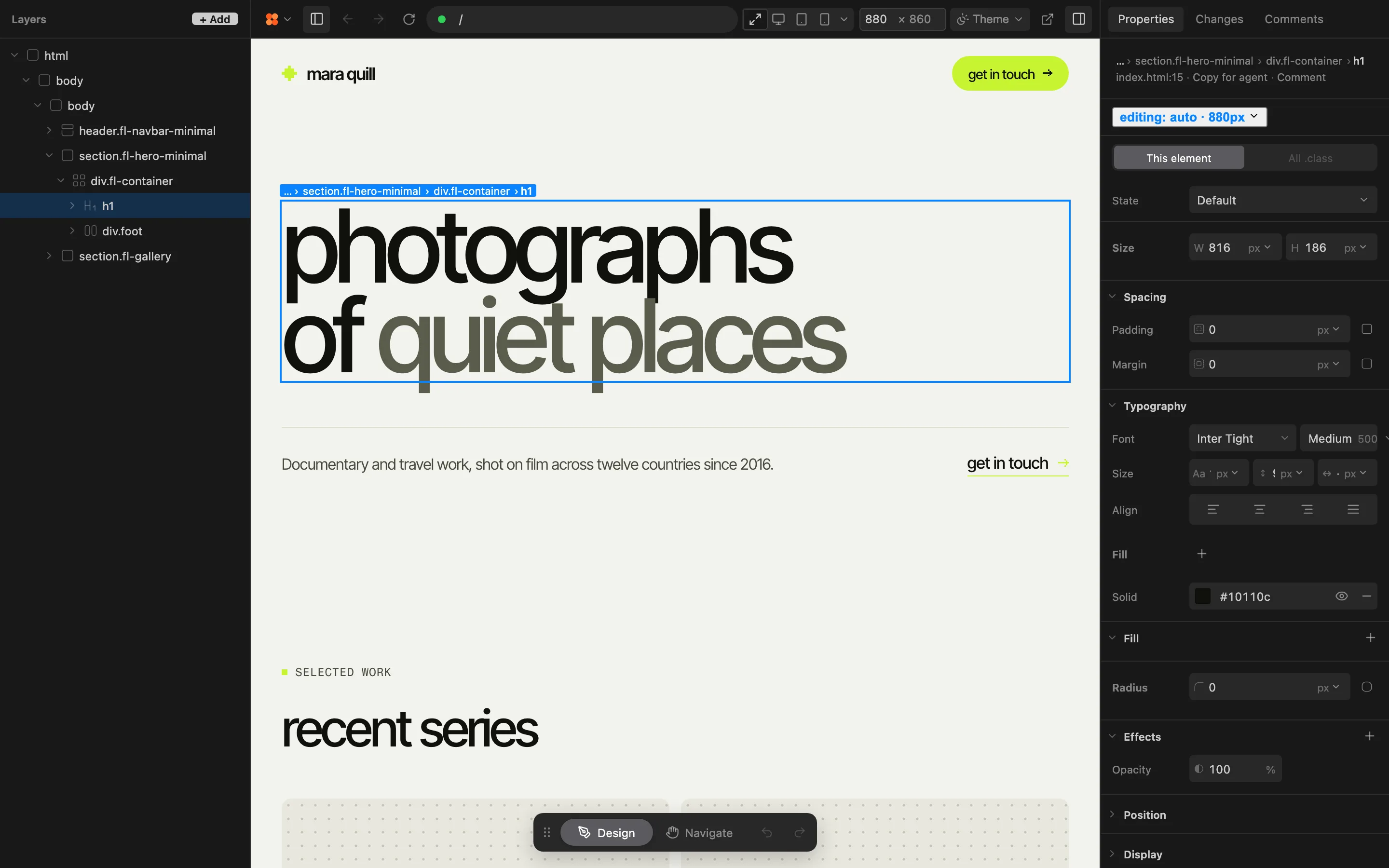
Here is what a hand edit leaves behind in src/components/Hero.vue. Feega writes at the line of the element you clicked, as a Tailwind class or a rule in your own CSS, and nothing else in the file moves.
Cursor’s agent and Feega share one window and one set of files. The diff is the same one your agent will read on its next turn, and the same one git will show in review.
  <button
-   class="px-4 py-2 text-sm"
+   class="px-6 py-3 text-base"
  >Start</button>
one window for the agent and the canvas
Cursor has its own visual route. Design Mode, per its docs, needs Cursor 3.24.18 or later and a running dev server, and it hands your annotation to the agent. Feega takes the other approach on the same page: you set the value yourself, and the file changes without a model in the loop.
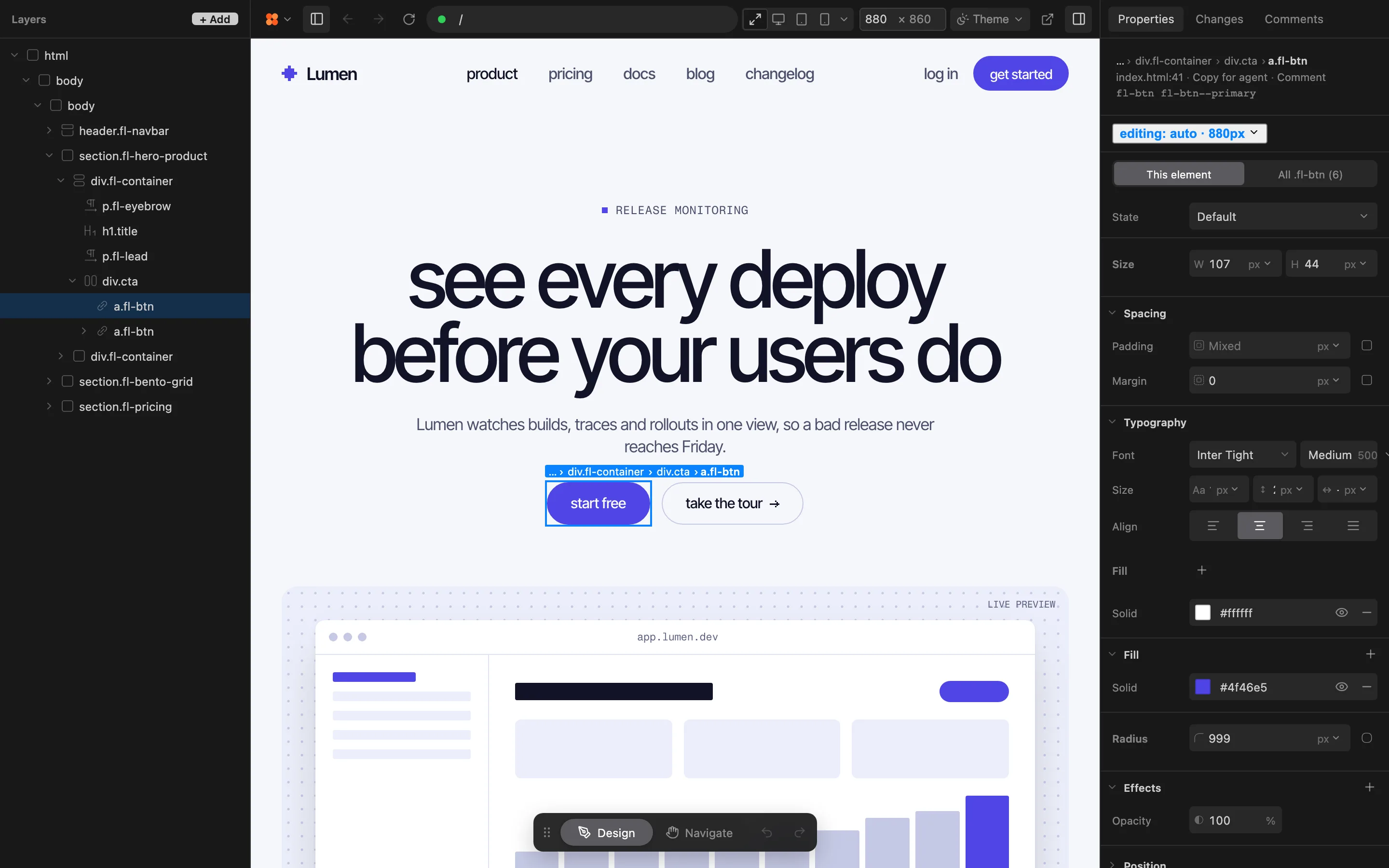
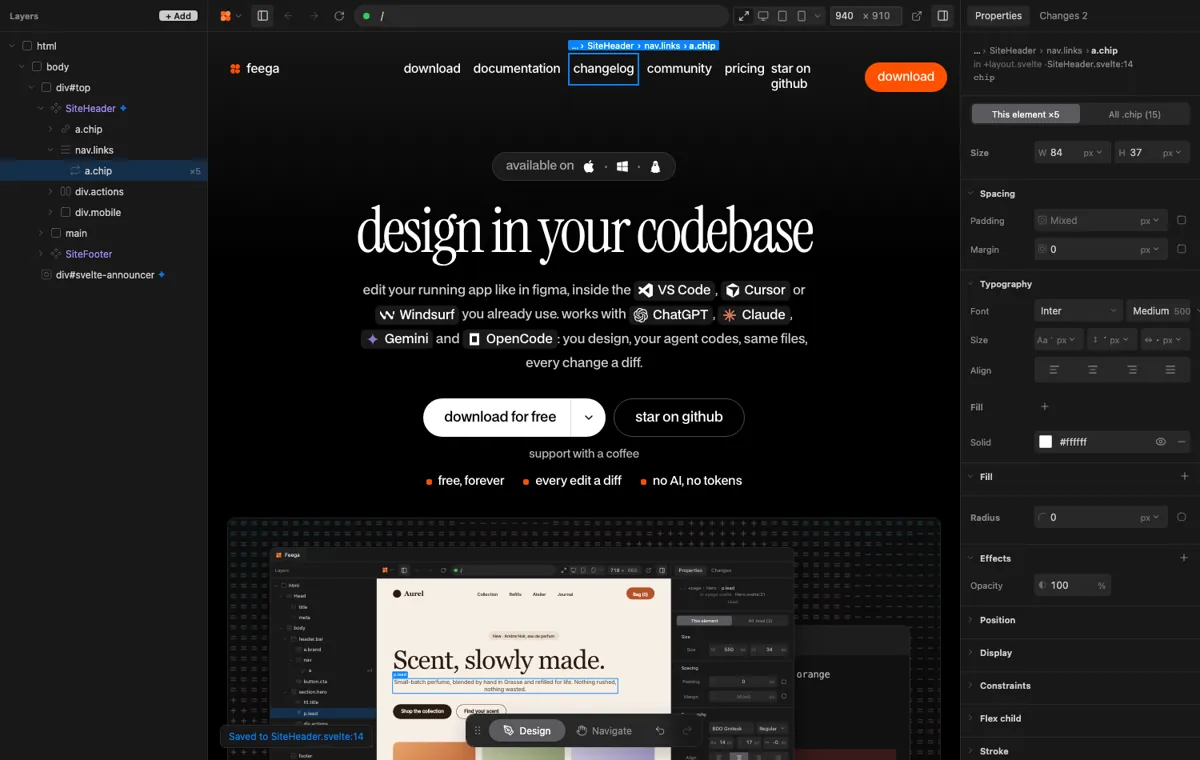
Selecting an element in Feega reveals its source line in the editor beside it, and Cursor is one of the agents that read the editor selection per the Feega docs. Selecting a line in the editor selects the element on the page.
when to choose which
choose Lovable if
- You start from nothing and want a hosted app from a prompt.
- You want chat to be the only interface.
- You want hosting and the database included.
choose Feega if
- You already work in Cursor on your own repo.
- You want a Properties bar next to the agent pane.
- You want hand edits with no tokens and no model.
what each one costs
Lovable’s free plan has 5 build credits a day and Pro is $25 a month, per its plans page when we checked on 22 November 2026. Credits run per build, so count how many your edits actually take.
Feega is free and open source under Apache-2.0, with no credits and no account. You still pay for your own agent and your own hosting, as you do now.
set up Cursor once
Feega installs as an extension in Cursor, so the visual editor and the agent share a window. Run the command Feega: Open from current workspace and the running app opens next to your code. Cursor’s agent opens in the sidepane with Cmd+I, per its docs.
Cursor keeps agent instructions as project rules in .cursor/rules, written as .mdc files, and also reads an AGENTS.md file in the project root. Add a short rule saying to keep Tailwind classes and visible text literal on the elements people tweak, and the agent will write markup Feega can edit. To install the Feega skill as well, run npx skills add andreabuttarelli/feega.
opening a Lovable repo in Cursor
A project that started in Lovable opens in Cursor like any repo. Lovable’s docs describe cloning the synced repository and continuing in your preferred IDE, and Cursor is one. Open the clone, install the Feega extension and run Feega: Open from current workspace.
You will see code that Lovable generated, so give the agent a short rule about literal class names before it writes more. Lovable only syncs one branch, so if you want a change to show up in Lovable again, commit to that branch.
A hand edit in the Feega panel is a file change in the clone. It does not touch Lovable and it uses no build credits.
what to ask the Cursor agent, and what to do by hand
Use the agent for what spans files: a new page, a state change, a form with validation. Use Design Mode when you want the agent to interpret a change you can only describe. Use Feega when you know the value you want.
The two do not conflict. They write to the same files, and Cursor’s checkpoints and your git history both see the result. After a hand edit, mention it in the next prompt, or let the agent read the file, so it does not undo the change.
where Lovable is still the better choice
Lovable turns a prompt into a hosted full-stack app, with nothing to install. If there is no code yet, or you want a working prototype to show someone this afternoon, it is hard to beat. Its GitHub sync also lets you clone the repository and keep working in your own tools.
Feega does none of that. It has no prompt-to-app builder and no hosting, and it only edits pages that already exist in your repo.
more on Lovable and your agent
This page covers Cursor. The wider comparison is on Lovable alternatives. Other agents with the same question:
- Lovable alternative for Claude Code
- Lovable alternative for OpenAI Codex
- Framer alternative for Cursor
Feega is free. Download it or read the agents page in the docs.
design mode and Feega on the same page
According to Cursor: Design Mode, you click an element, leave a note, and Cursor sends the agent your text, the element’s selector, size and key styles, and a cropped screenshot. The agent then decides what to change. That suits a request you can only phrase in words, such as “make this feel calmer”.
When you already know the number, the round trip is slower than typing it. In Feega you click the same element and set the padding in Properties, and the file changes at once. The agent sees the new value the next time it reads the file, as the Feega docs: use Feega with AI agents explain. Neither tool needs Lovable in the loop.
what the Cursor agent adds to a repo-first workflow
Cursor: Agent overview lists file search, file edits, shell commands, a browser the agent can control to check visual changes, and checkpoints you can restore. Those are the jobs Lovable’s builder does in its own project, here done in yours.
Feega covers the part the agent describes in words. Select an element, change its values, read the result in Changes, keep it or undo it. If you also use a terminal agent, the Claude Code page shows how the same idea works there.
Try Feega in two minutes: run npx feega in your project folder, or install the extension.
Download Feega →Lovable limits worth knowing before you move
Lovable GitHub integration says git sync cannot link a project to an existing repository, reconnecting after a disconnect creates another new one, and you cannot create or switch branches while Lovable is editing. Lovable plans adds that commit attribution to the member is a Business feature.
None of that blocks a Cursor user from keeping the app in their own repo. It just removes the reason to move it. The alternatives index compares other builders, and the quick start gets Feega running in a few minutes. Feega itself is free, as the pricing page shows.
The agent guide shows each command and what the agent can see.
Read the agent docs →try Feega with Cursor in five steps
- Install in CursorAdd the Feega extension to Cursor, or run npx feega in the project folder.
- Add a ruleWrite a short project rule or AGENTS.md note: literal class names and visible text on elements people will tweak.
- Open the appRun Feega: Open from current workspace. Feega starts your dev server and shows the page beside your code.
- Click and setPick the element and change its values in the Properties bar while the agent pane stays open.
- Review in ChangesRead the diff, keep or undo each edit, then prompt the agent to continue. Commit as usual.
mistakes people make
Uploading a finished app to change one page. You end up with two copies to keep in step, and only one of them has your history.
Treating Design Mode and Feega as rivals. They write to the same files. Use the agent for described changes and Feega for values you know.
Forgetting to tell the agent about a hand edit. A later prompt can restate old values. Let the agent read the file first.
questions
What does Lovable cost?
Free has 5 build credits a day. Pro is $25 a month, per its plans page.
Does Feega run inside Cursor?
Yes. It installs in VS Code, Cursor, Windsurf and VSCodium, and also runs in the browser with npx feega.
What is the difference between Cursor Design Mode and Feega?
Design Mode passes your annotation to the agent. Feega writes the value you set by hand, with no model.
Does Cursor see my selection in Feega?
Feega reveals the element’s source beside it, and Cursor is one of the agents that read the editor selection per the Feega docs.
Does Feega replace Cursor?
No. Cursor writes code and Feega sets visual values in the same files.
how we checked
We make Feega, so read our column with that in mind. We read each product's public pages on 2026-11-22 and compared what they offer, not finished work. Something wrong? Write to hi@feega.app.
- Lovable GitHub integration
- Lovable plans
- Cursor: Agent overview
- Cursor: Rules
- Cursor: Design Mode
- Feega docs: use Feega with AI agents
Feega is not affiliated with, endorsed by, sponsored by or connected to any company or product named on this page. All product names, logos and trademarks belong to their respective owners and are used only to identify those products. Information comes from their public pages on the date shown and may have changed since; check the source before you decide. This page is not legal, financial or purchasing advice.
Keep Lovable for a new app. Keep Cursor and your repo for the one you have.
download for free →